Moving your trading strategy to the cloud: what needs to move with it?
Move the exact strategy revision, verify the exchange connection, and hand over positions and open orders. The running process determines whether you can shut down your laptop.
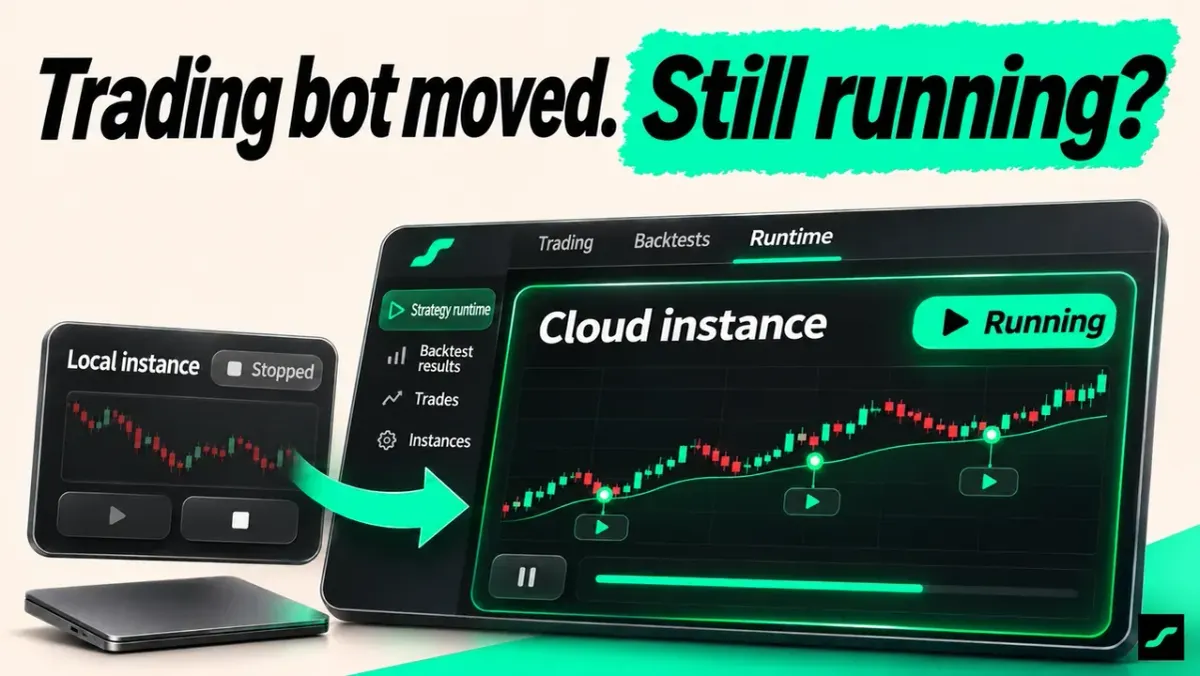
You sign in on the cloud server, but your custom strategy is missing. Bring over the exact revision and configuration, verify the account connection, and hand over positions and open orders before starting the replacement instance. Once the cloud process owns the task, shutting down the laptop you use to view it will not stop that server process.
Moving a trading bot to a VPS involves several separate things: your account, strategy files, exchange API connection and running process. In AlgoRover, signing in, installing a strategy and starting an instance are separate steps. Use current market-data, order and instance records to confirm continuous operation.
Why is a custom strategy missing after signing in on another computer?
I signed in with the same account on my VPS. Why can't I find the strategy I customized?
Check the account, then distinguish marketplace strategies, installed packages and local custom revisions. Account access and files stored on the old machine need to be checked separately.
Record the strategy name, base version, custom revision and runtime preset. Compare that list with what is actually on the target machine.
The marketplace version is there, but I changed its parameters and rules. Can I start it?
Move the intended custom revision first using the supported export and import process. Compare its code, configuration and revision before starting the target instance.
What should you verify after moving the files?
The revision is on the server. Can I turn my computer off now?
Verify the exchange, demo or live environment and the matching account connection on the server. Test account reads and market-data updates before starting the instance.
Configure credentials through the target environment's credential setup. Use connection results and account identifiers when checking the move.
| Item | Check on the server |
|---|---|
| Strategy | Name, base version and custom revision |
| Preset | Market, contract, interval, capital and controls |
| Account | Exchange, environment and successful account read |
| Instance | Start time, latest data, orders and status |
How do you hand over without duplicate orders?
The local instance is still running and the cloud instance is ready. How should I switch?
Record current positions, open orders and the old instance state. Stop the old instance according to the handover plan, start the replacement, then verify the positions and orders it sees.
Confirm what actually happened to existing orders and positions when stopping the instance. A stopped process can leave an account with positions or orders still present.
I need a clear handover timestamp.
Record when the old instance stopped, when the replacement started, and the account snapshot at that point. Later, each trade can be traced to a machine and revision.
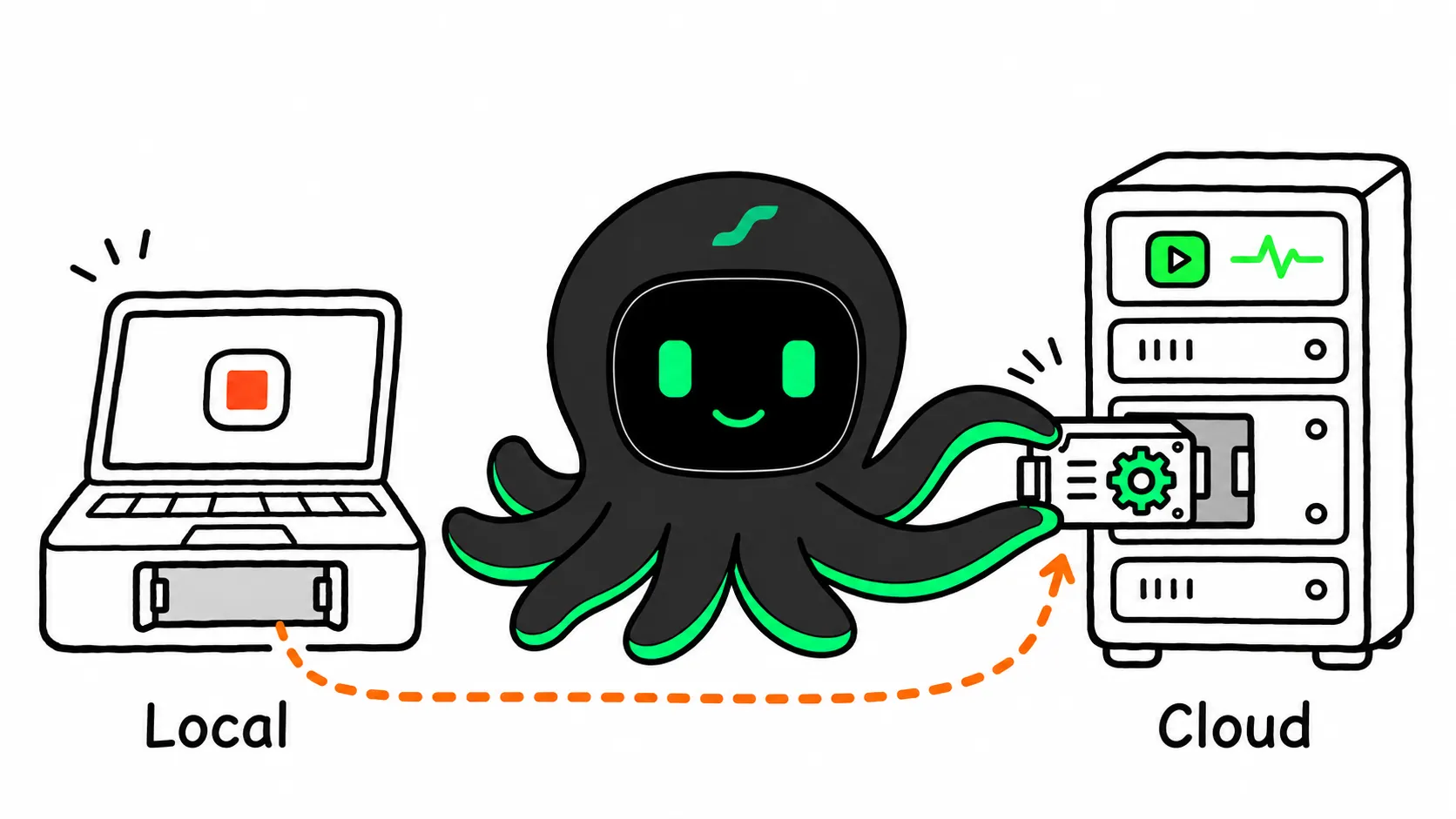
Will the bot keep running after you close your laptop?
The cloud instance is running, candles are current, and orders match. Can I shut down my laptop?
If the server instance now runs the strategy and your laptop only displays its status, shutting down the laptop will not terminate the server's process. The server, process and connections still need to remain operational.
Check the latest processed data and order times periodically. Closing a viewing page and stopping a running instance are separate actions.
Trading bot hosting and VPS migration: common questions
Will a trading bot on a VPS keep running when my laptop is off?
If the VPS runs the process and the laptop only displays status, closing the laptop does not terminate the server process. Verify the server's availability and recent data and order timestamps.
Will disconnecting a remote session stop the strategy?
Check whether the process depends on that session or runs as a persistent background process. After disconnecting, reconnect and inspect the instance and its latest processing records.
What does a trading bot need to run 24/7?
The host, process and required data and account connections must remain operational. Being online allows checks to continue; actual trades still depend on market hours and entry rules.
What happens to existing positions during VPS migration?
Record positions and open orders at the handover, then compare them with the replacement instance's account state. Confirm the old instance has stopped operating the account before the replacement takes over.